Jellyfin has established itself as the gold standard for private, subscription-free, and self-hosted media streaming. While the default web interface is dependable, third-party client apps unlock key hardware acceleration, effortless subtitle fetching, automatic frame rate matching, and robust offline playback.
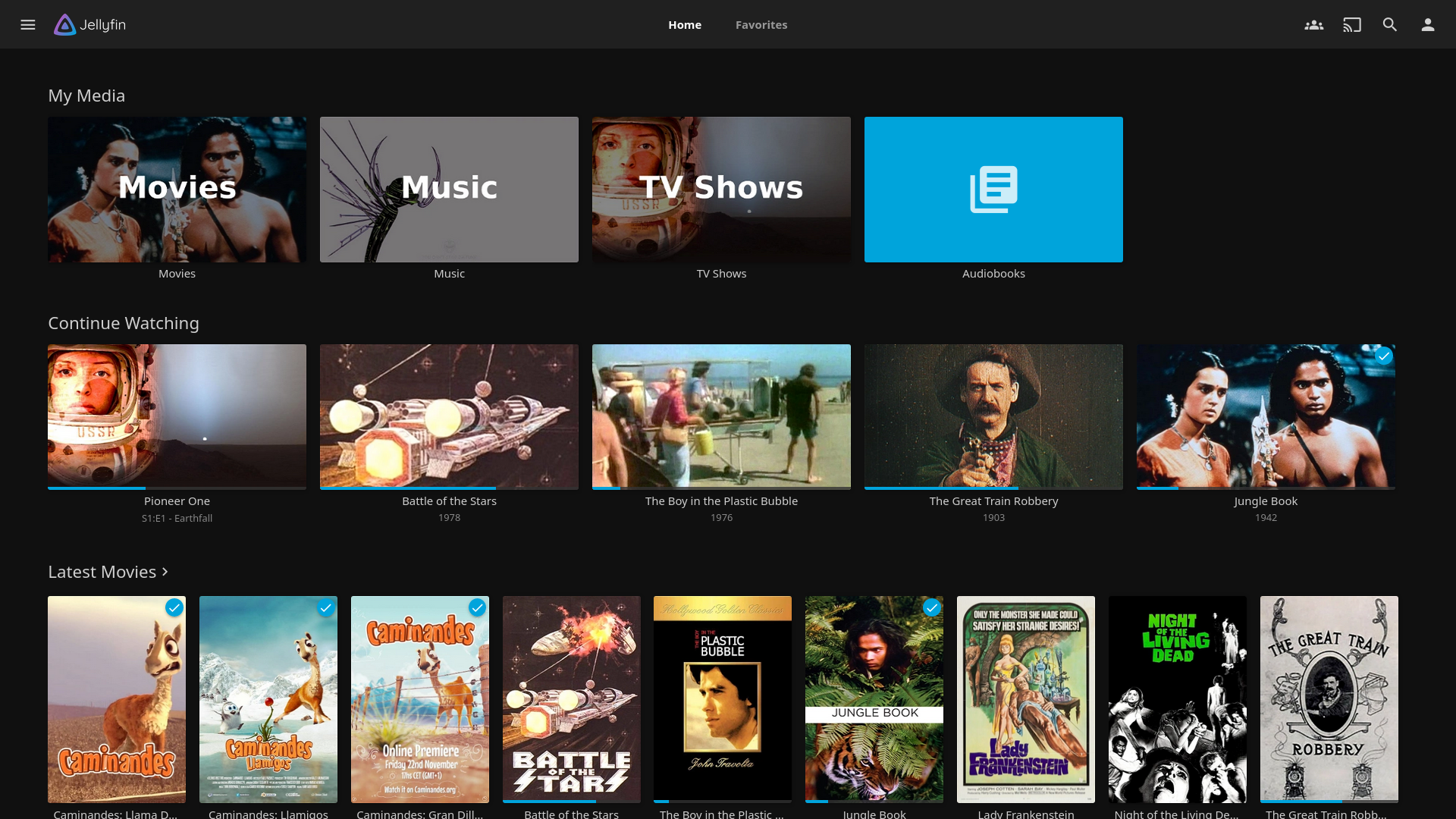
The standard Jellyfin interface is functional, but dedicated client apps elevate the playback experience.
Why Go Beyond the Default Jellyfin Client?
Unlike centralized proprietary platforms, Jellyfin’s open API gives developers the freedom to craft specialized frontends tailored to specific hardware. Whether you want direct-play 4K HDR without transcoding strain, native Android design with background downloads, or a seamless living-room Android TV setup, these four client apps solve Jellyfin's rough edges.
1. Infuse (Apple Ecosystem: iOS, iPadOS, macOS, Apple TV)
If you run Apple hardware, Infuse is arguably the premier media playback client available. While the core app is free, Infuse Pro offers native playback capabilities that easily handle almost any audio or video container you throw at it.
- Instant Subtitle Search: Pulls matching subtitles from OpenSubtitles right inside the playback screen with a single tap.
- Native Trakt & IntroDB Integration: Syncs watch histories and ratings seamlessly without requiring server-side plugins, while skipping intros smoothly.
- Silky Smooth Direct Play: Effortlessly plays high-bitrate 4K HDR, Dolby Vision, and spatial audio formats without triggering server transcoding.
2. Wholphin (Android TV & Fire TV)
Designed from scratch specifically for big screens, Wholphin is a lightweight, open-source Jellyfin client built for Android TV, Google TV, and Amazon Fire TV streaming sticks.
- Auto Frame Rate & Resolution Switching: Automatically adjusts your television's refresh rate and resolution to match the source file—eliminating judder and stuttering.
- Flexible Player Engines: Lets you choose between ExoPlayer and MPV depending on file codecs.
- Intro Skipper Integration: Seamlessly hooks into Jellyfin’s Media Segments / Intro Skipper plugin to provide automatic or prompt-based intro/credit skips.
- PIN-Protected Profiles: Switch between household user profiles directly on the TV screen.
3. Fladder (Multi-Platform Powerhouse)
Built on Flutter, Fladder brings a consistent, elegant frontend to Windows, macOS, Linux, Android, and Android TV.
- Server Session Monitoring: Unlike bare-bones players, Fladder lets you see active user streams and playback progress without opening the server dashboard.
- Seerr / Overseerr Integration: Supports requests directly inside the client interface.
- Cross-Platform Consistency: Enjoy identical navigation and settings across all desktop and mobile devices.
4. Findroid (Android & F-Droid)
Findroid is a modern, native Android client built following Google’s Material design language, offering a cleaner, more responsive feel than the default hybrid app.
- True Offline Downloads: Download entire seasons or movies directly to your phone or tablet's local storage for travel, flights, or dead zones.
- MPV Backend: Direct-plays media with pristine subtitle rendering (SSA/ASS) and audio track selection.
- Media Segments API: Supports intro and outro skipping natively when paired with your server's Intro Skipper plugin.
Quick Comparison: Which Client Should You Install?
| App | Best For | Platforms | Standout Feature |
|---|---|---|---|
| Infuse | Apple Users | Apple TV, iOS, Mac | 1-tap subtitles, flawless 4K direct play |
| Wholphin | Living Room TVs | Android TV / Fire TV | Refresh rate matching, PIN profiles |
| Fladder | Admins & Multi-OS | Win, Mac, Linux, Android | Session tracking & Seerr integration |
| Findroid | Mobile / Travel | Android / Tablets | Full offline downloads, Material UI |
Final Thoughts
Pairing your Jellyfin media server with the right client allows you to offload work from your server's CPU/GPU and maximize direct playback. If your library runs across multiple devices, testing Wholphin on the big screen and Findroid on your mobile device is a great place to start.
No comments:
Post a Comment